Sony BRAVIA smart TVs and Sony Google TV models
Sony BRAVIA remote app for iPhone & Android
Sony exposes a proper control API on the TV, which EveryMote pairs with using a four-digit code shown on screen. That API also reports the apps genuinely installed on your set, so the app list you see is your TV’s, not a generic one.
Free to use · Every remote feature included · No account
Setting it up
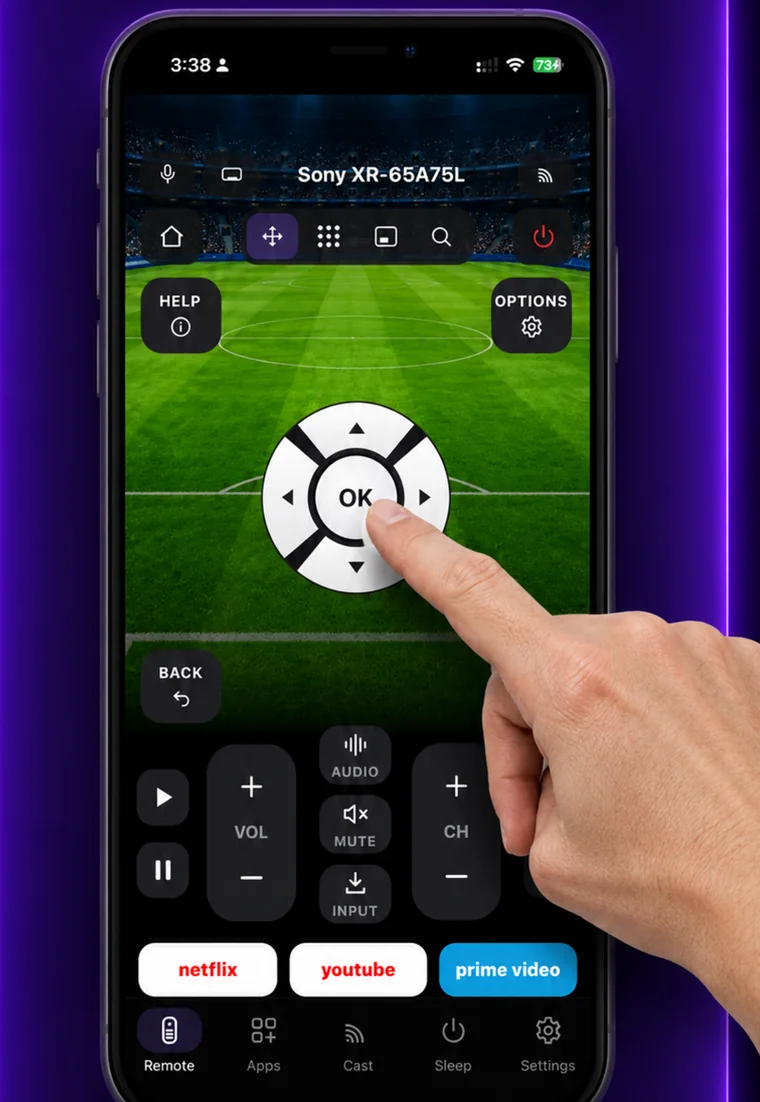
EveryMote is a universal TV remote control app for iPhone and Android, so the same app that controls your Sony BRAVIA also controls every other smart TV in the house.
- 1
Put the phone and TV on the same Wi-Fi network.
- 2
Open EveryMote and tap your BRAVIA.
- 3
The TV shows a four-digit PIN. Type it into the app.
- 4
The remote opens, with your installed apps listed on the Apps tab.
What you get
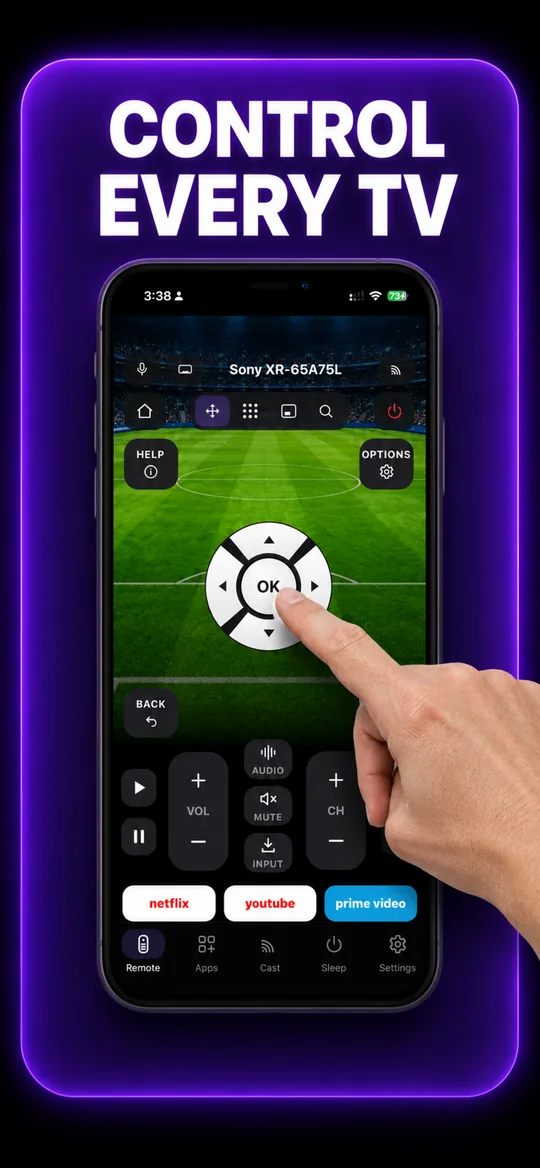
The full remote 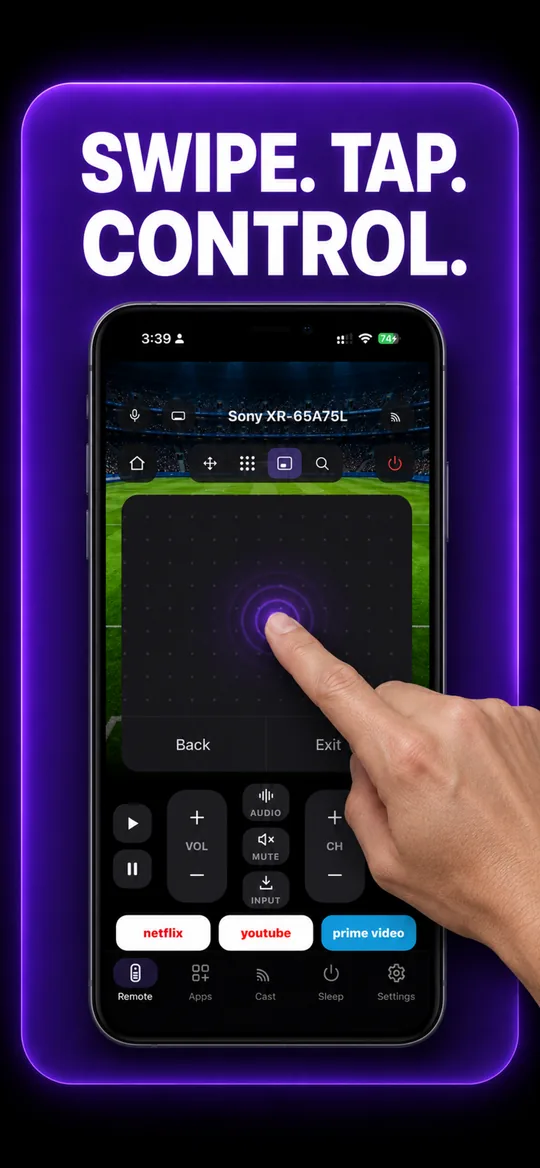
Swipe trackpad 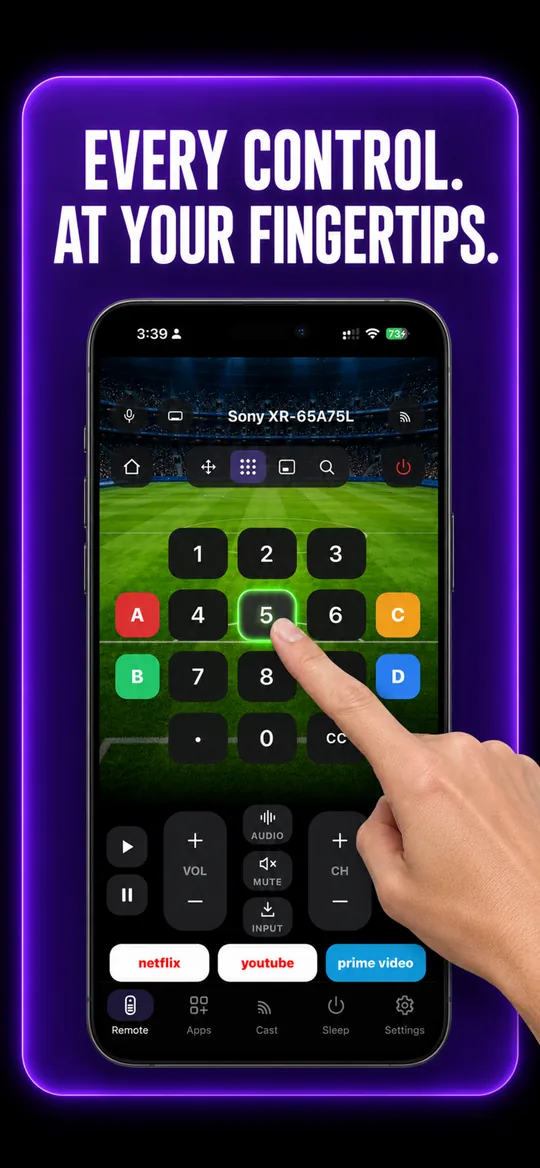
Number pad 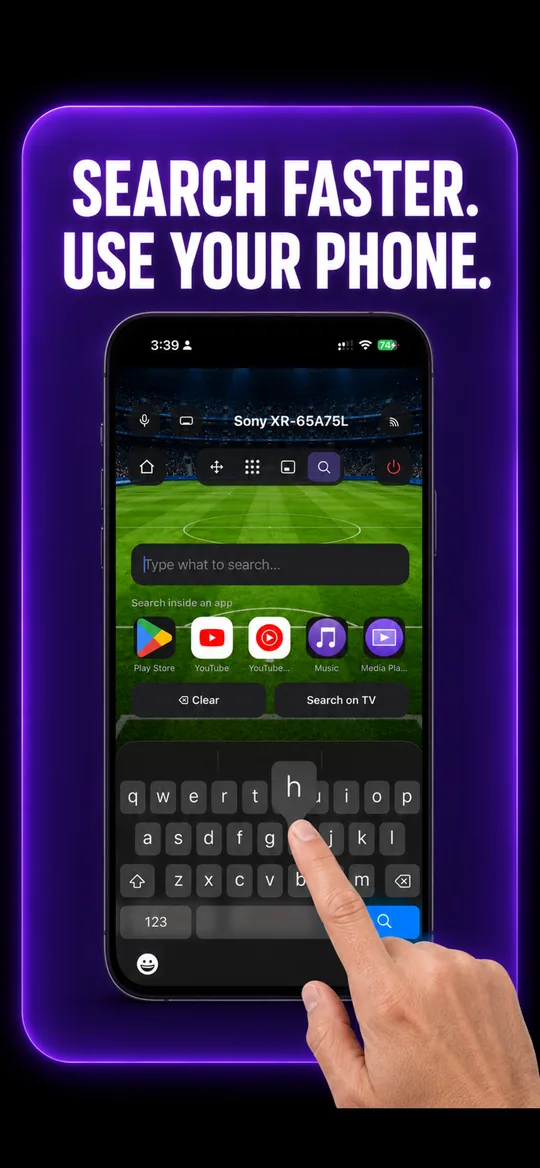
Type instead of pecking 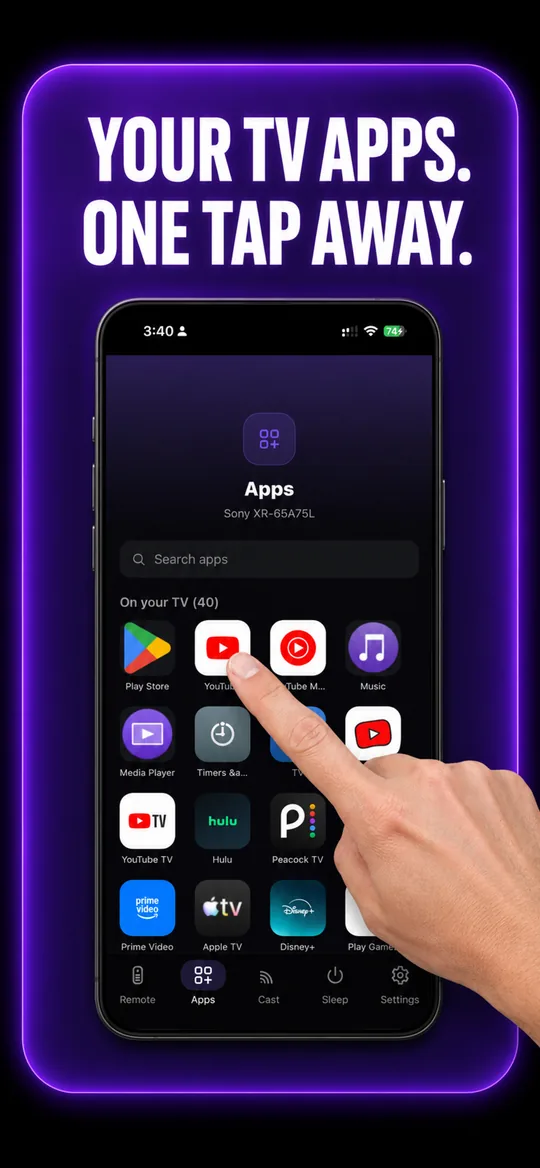
Your TV’s own apps 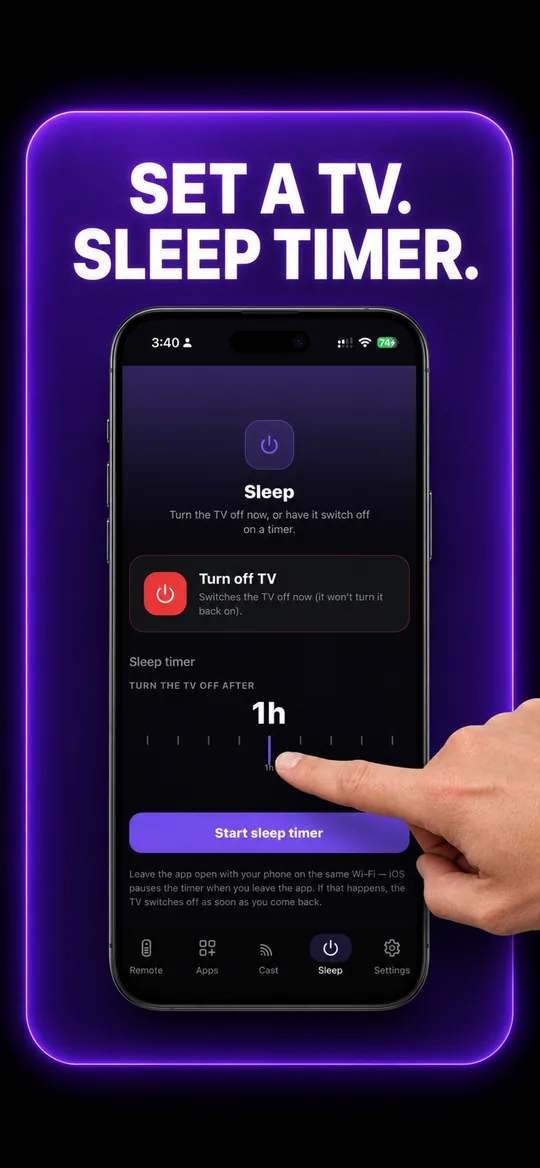
Sleep timer
Sony BRAVIA questions
- How do I connect my phone to my Sony BRAVIA?
- Put both on the same Wi-Fi, open EveryMote and tap the BRAVIA. The TV displays a four-digit PIN — type it into the app and the remote opens, along with the list of apps actually installed on the set.
- Can I turn my Sony TV on from my phone?
- Yes, on most BRAVIA models. Sony accepts a network wake, so EveryMote can bring the TV out of standby — one of the few brands where this reliably works.
- The PIN was accepted but it stopped working later.
- Sony’s pairing cookie expires fairly quickly on some firmware. Tap the TV again and enter a fresh PIN; the app will re-pair in a few seconds.
Other TVs EveryMote controls
Not listed? See everything EveryMote supports — or check the support pages.
Lost the Sony BRAVIA remote?
It takes about thirty seconds to set up.