LG webOS smart TVs
LG TV remote app for iPhone & Android
EveryMote talks to webOS directly over your Wi-Fi using LG’s own remote protocol. You accept a pairing request on the TV once, and the app keeps the key so it reconnects silently afterwards.
Free to use · Every remote feature included · No account
Setting it up
EveryMote is a universal TV remote control app for iPhone and Android, so the same app that controls your LG also controls every other smart TV in the house.
- 1
Put the phone and TV on the same Wi-Fi network.
- 2
Open EveryMote and let it scan. Your LG appears by name.
- 3
Tap it. The first time you connect, the TV shows a prompt asking whether to allow this phone. Accept it — it times out after about 30 seconds, so have the remote or the TV in view.
- 4
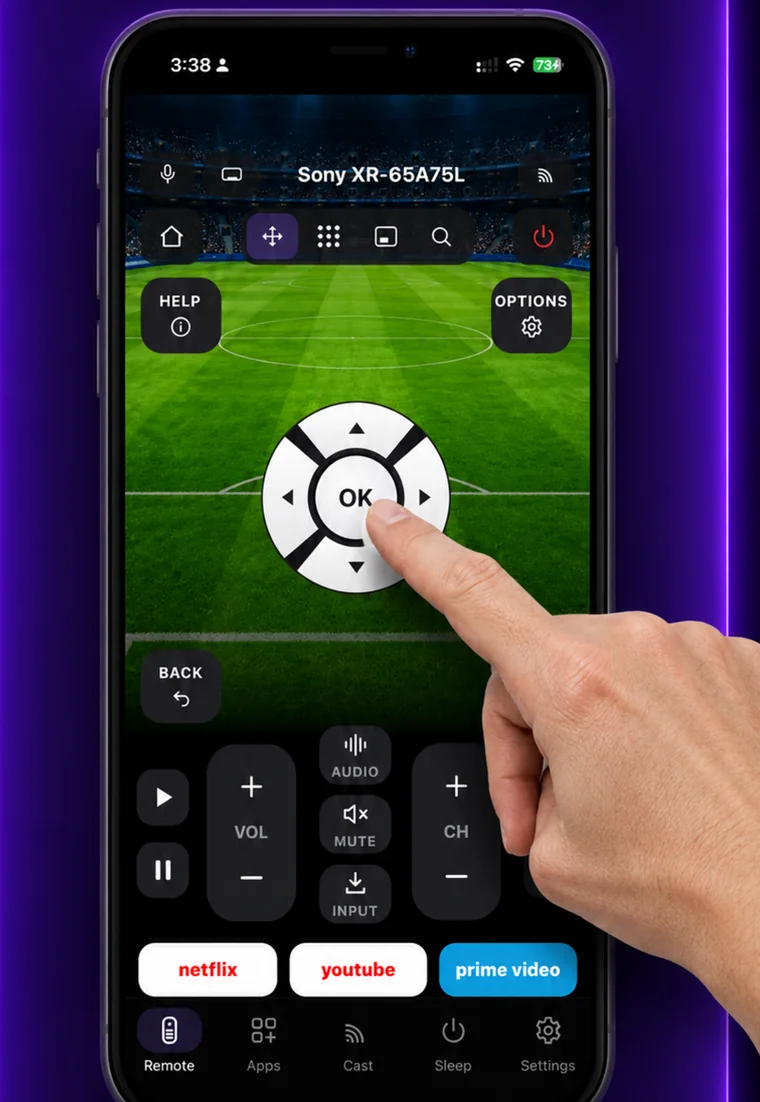
Use the D-pad, or the trackpad for the webOS pointer.
Worth knowing
Turning an LG on from the app is the one thing that often will not work. Unlike Sony, webOS does not accept a wake command over the network, so it depends on the TV’s own “Turn On Via Wi-Fi” setting — which some LG models do not have at all, and which is unavailable on many when the TV is on Wi-Fi rather than Ethernet. Turning off, and everything else, works normally.
What you get
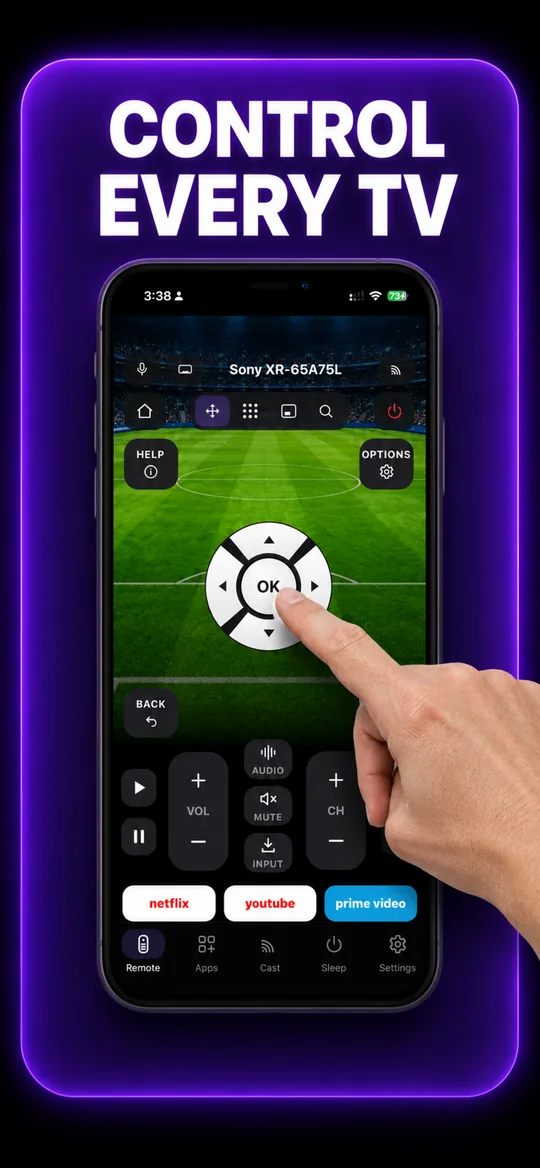
The full remote 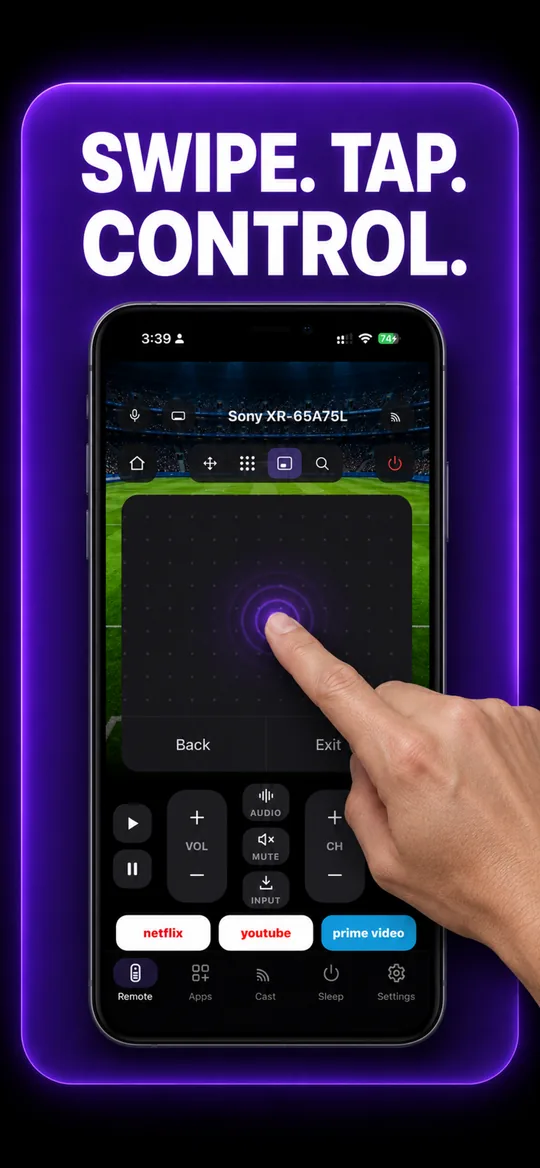
Swipe trackpad 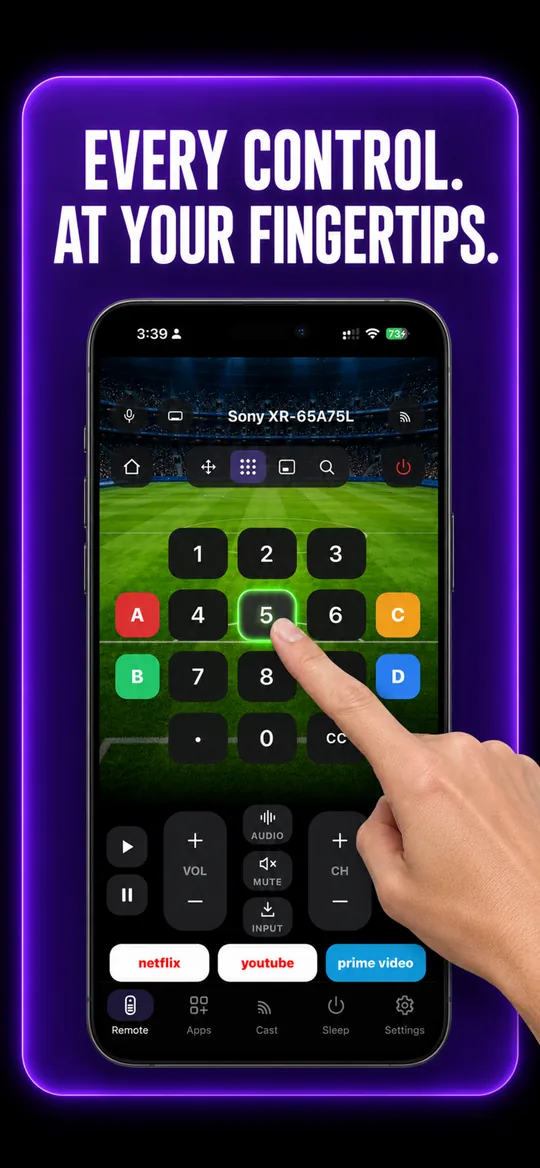
Number pad 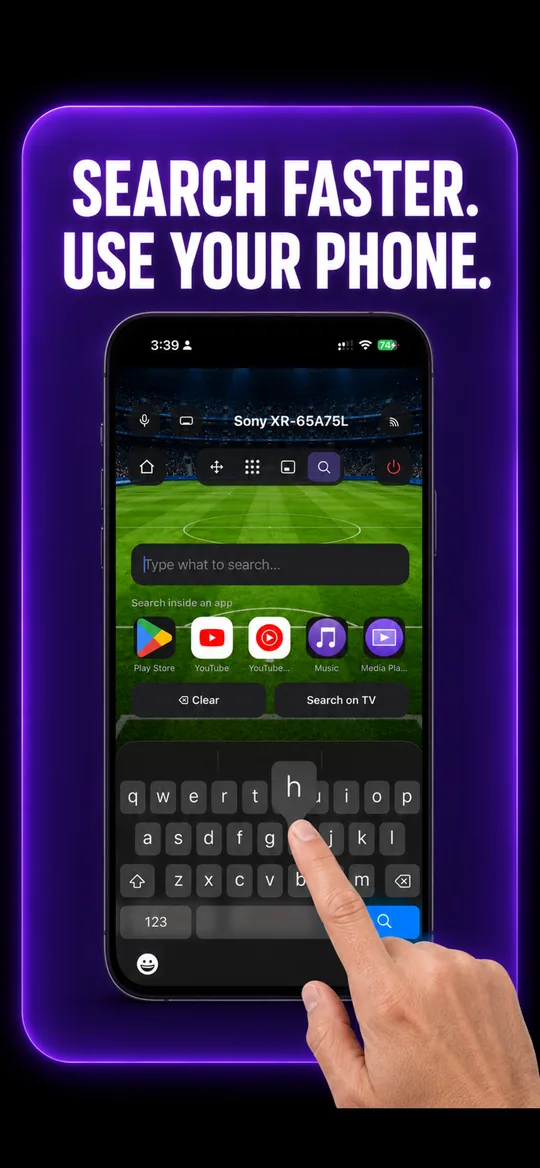
Type instead of pecking 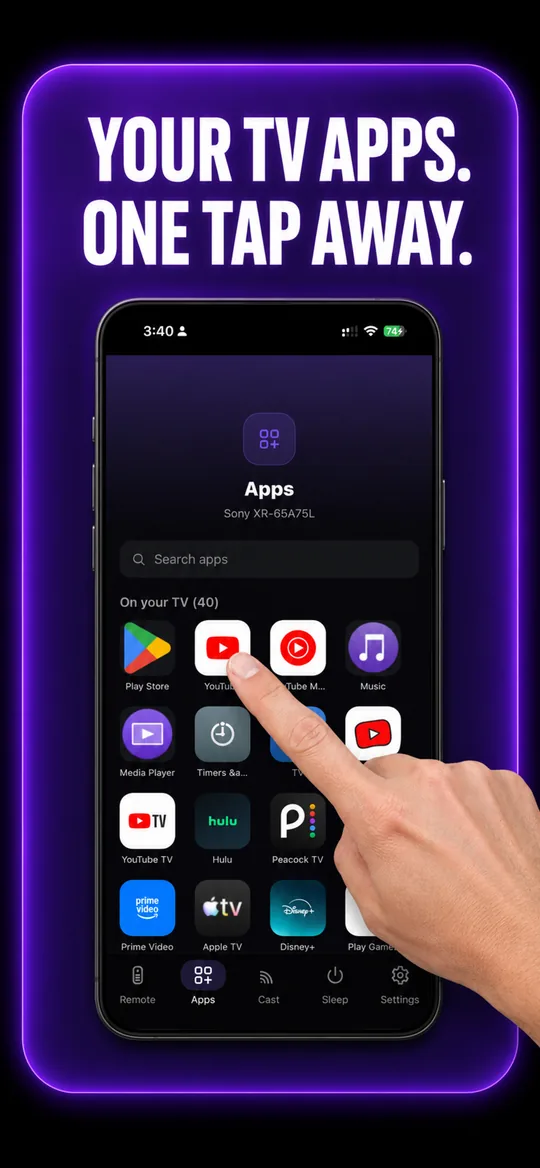
Your TV’s own apps 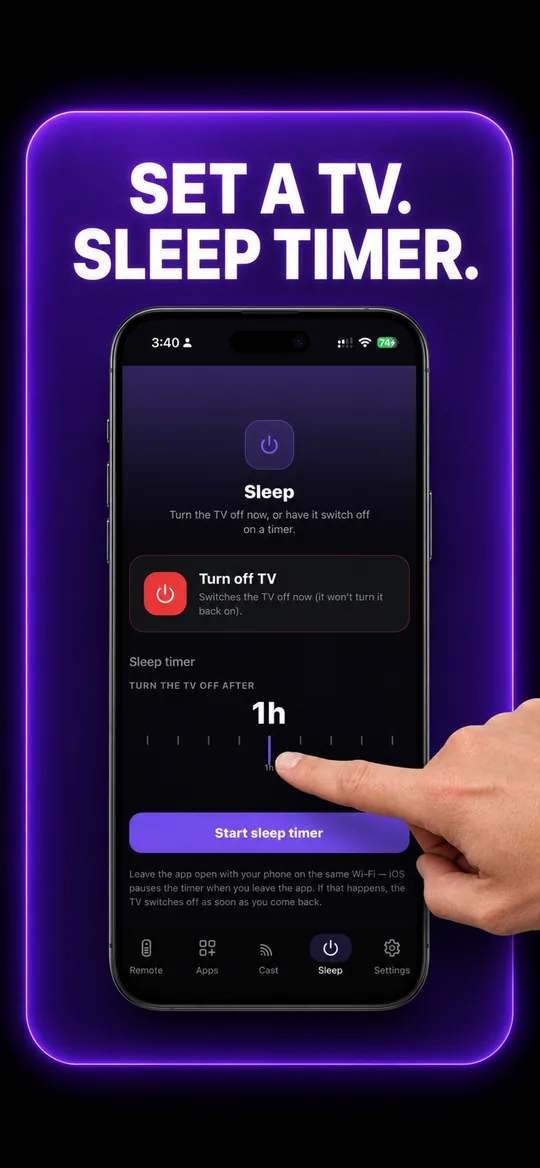
Sleep timer
LG questions
- How do I connect my phone to my LG TV?
- Put both on the same Wi-Fi, open EveryMote and tap your LG when it appears. The TV shows a pairing request — accept it with the TV remote or the on-screen prompt. The app keeps the key, so it reconnects silently from then on.
- Why can’t I turn my LG TV on from the app?
- LG’s webOS refuses wake commands over the network. If your model has Settings → General → Devices → TV Management → "Turn On Via Wi-Fi" (sometimes "Mobile TV On"), enable it and EveryMote can send a wake packet. On models without that setting, or where it only works over Ethernet, no phone app can turn the TV on — including LG’s own.
- The pointer moves but buttons do nothing.
- That usually means the pairing key expired after a TV software update. Disconnect in the app and reconnect, then accept the prompt on the TV again.
Other TVs EveryMote controls
Not listed? See everything EveryMote supports — or check the support pages.
Lost the LG remote?
It takes about thirty seconds to set up.