Fire TV Stick, Fire TV Cube and Fire TV Edition televisions
Fire TV remote app for iPhone & Android
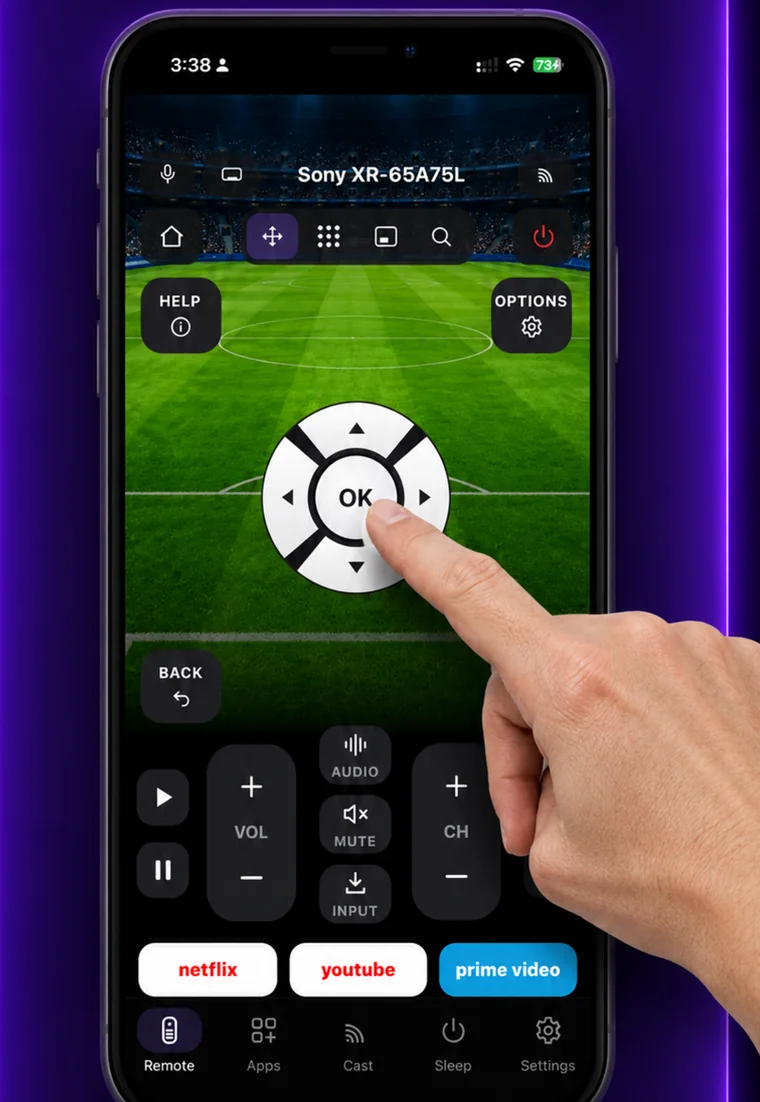
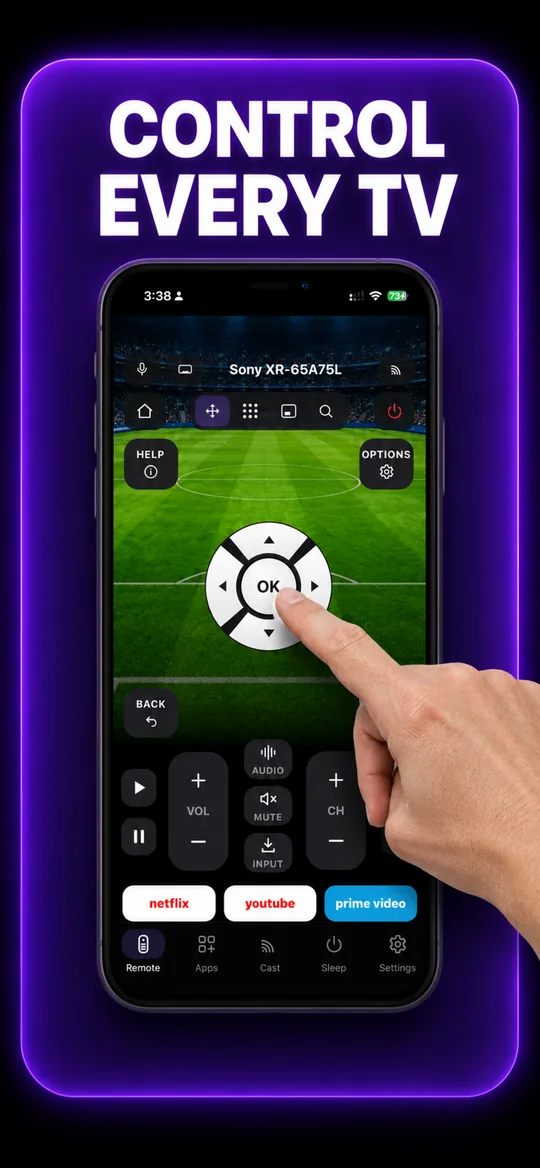
EveryMote controls Fire TV over Amazon’s developer connection on your local network. Turning that on once in the Fire TV settings gives you the complete remote — D-pad, OK, back, home, menu and playback.
Free to use · Every remote feature included · No account
Setting it up
EveryMote is a universal TV remote control app for iPhone and Android, so the same app that controls your Fire TV also controls every other smart TV in the house.
- 1
On the Fire TV: Settings → My Fire TV → Developer options → ADB debugging → On. If Developer options is hidden, open Settings → My Fire TV → About and click the device name seven times.
- 2
Put the phone and Fire TV on the same Wi-Fi network.
- 3
Open EveryMote, tap your Fire TV, and accept the authorisation prompt that appears on the TV.
Worth knowing
Without ADB debugging enabled, Fire TV only accepts app-launch commands — so the app can open Netflix but the arrows will not move. That is Amazon’s restriction, not a bug, and enabling the setting above is the fix.
What you get
The full remote 
Swipe trackpad 
Number pad 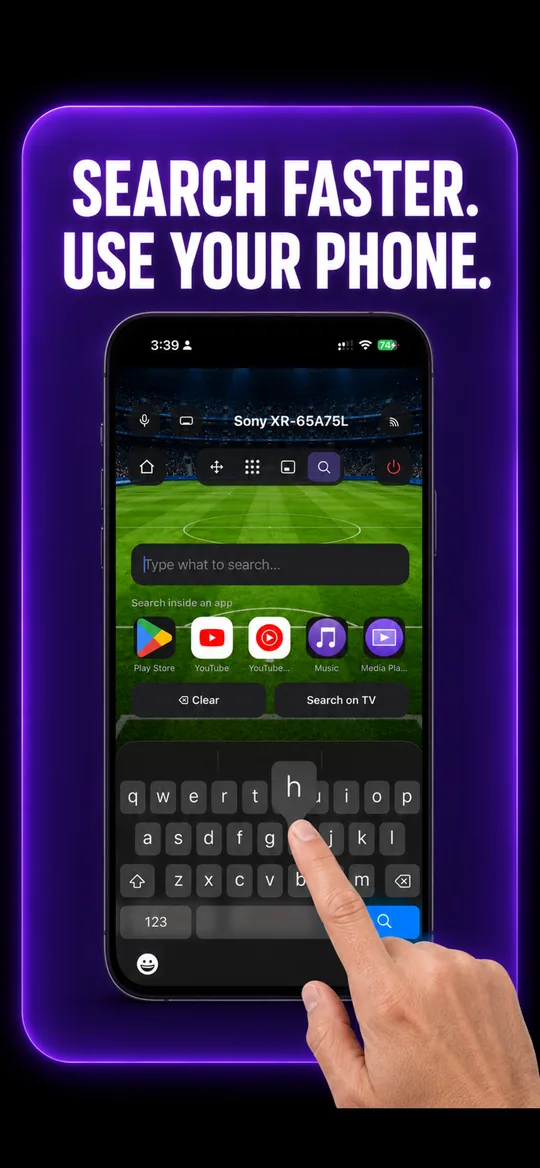
Type instead of pecking 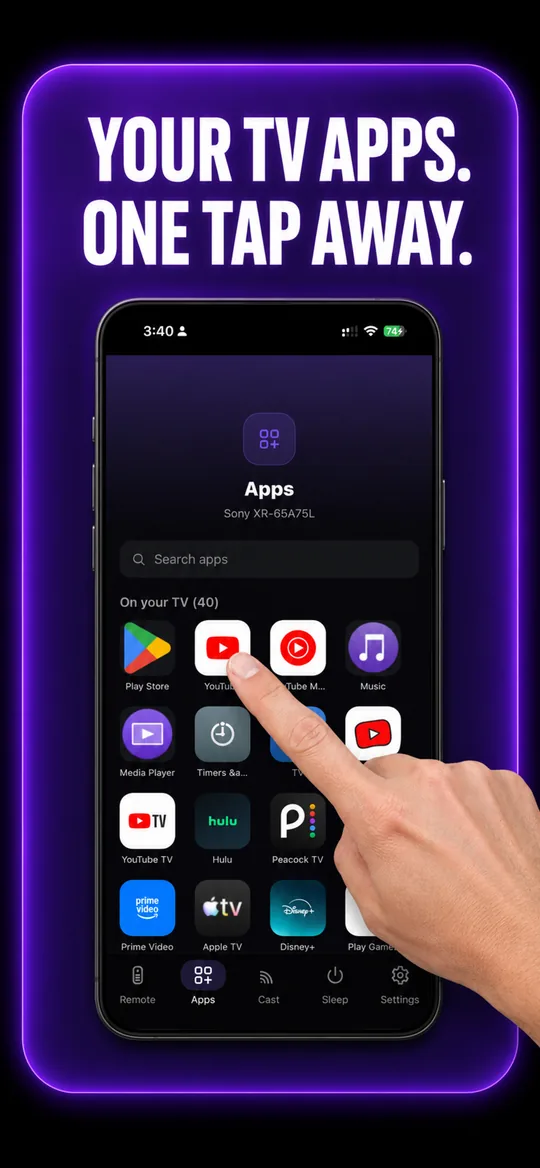
Your TV’s own apps 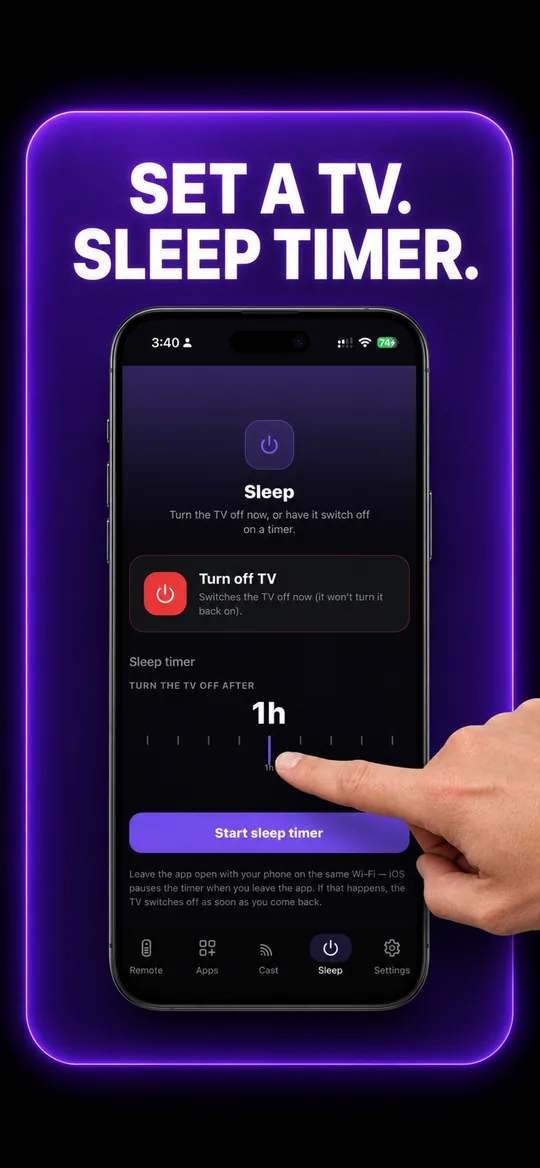
Sleep timer
Fire TV questions
- How do I connect my phone to my Fire TV?
- First enable Settings → My Fire TV → Developer options → ADB debugging on the Fire TV. Then open EveryMote on the same Wi-Fi, tap the device, and accept the authorisation prompt shown on the TV. Without that setting the app can only launch apps, not move the D-pad.
- My Fire TV connects but only opens apps — the arrows do nothing.
- That is Fire TV’s limited mode. Enable ADB debugging (Settings → My Fire TV → Developer options) and reconnect in the app, and the full D-pad works.
- Is enabling ADB debugging safe?
- It allows devices on your own network to send remote commands, which is exactly what a remote app needs. It is a local-network setting, not an internet-facing one, and you can switch it back off at any time.
Other TVs EveryMote controls
Not listed? See everything EveryMote supports — or check the support pages.
Lost the Fire TV remote?
It takes about thirty seconds to set up.