Google TV, Android TV, Philips, Vestel, Beko and most own-brand Android sets
Android TV & Google TV remote app for iPhone & Android
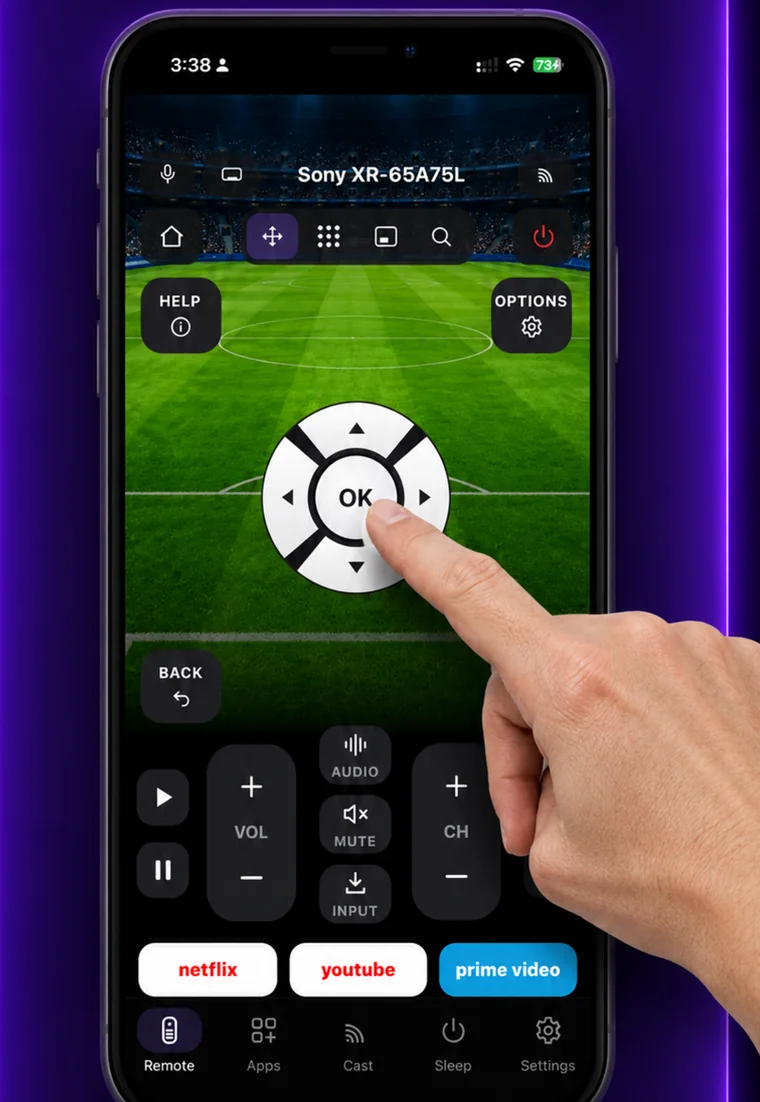
EveryMote speaks the Android TV remote protocol, the same one Google’s own remote uses. It finds the TV on your network, you accept a pairing code, and the full remote works from then on.
Free to use · Every remote feature included · No account
Setting it up
EveryMote is a universal TV remote control app for iPhone and Android, so the same app that controls your Google TV & Android TV also controls every other smart TV in the house.
- 1
Put the phone and TV on the same Wi-Fi network.
- 2
Open EveryMote and tap your TV in the list.
- 3
The TV shows a pairing code. Enter it in the app.
- 4
The remote opens, including keyboard input for search boxes.
What you get
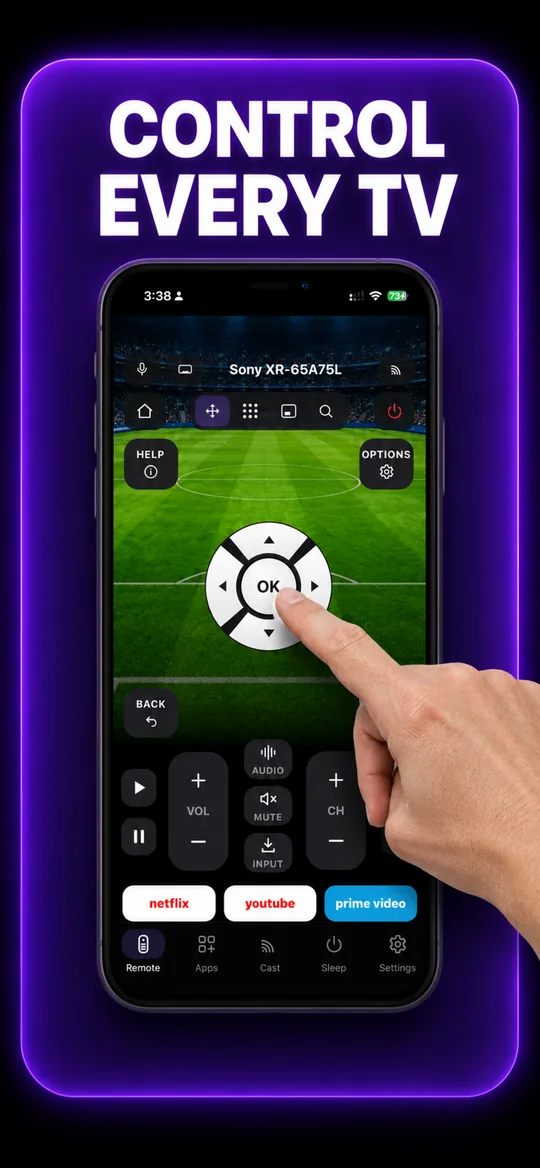
The full remote 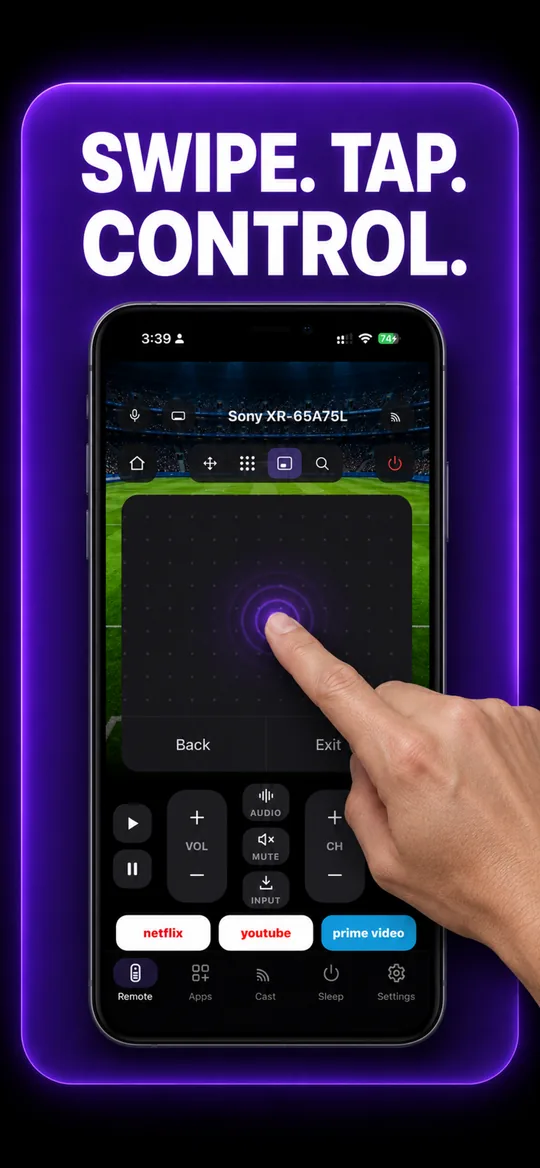
Swipe trackpad 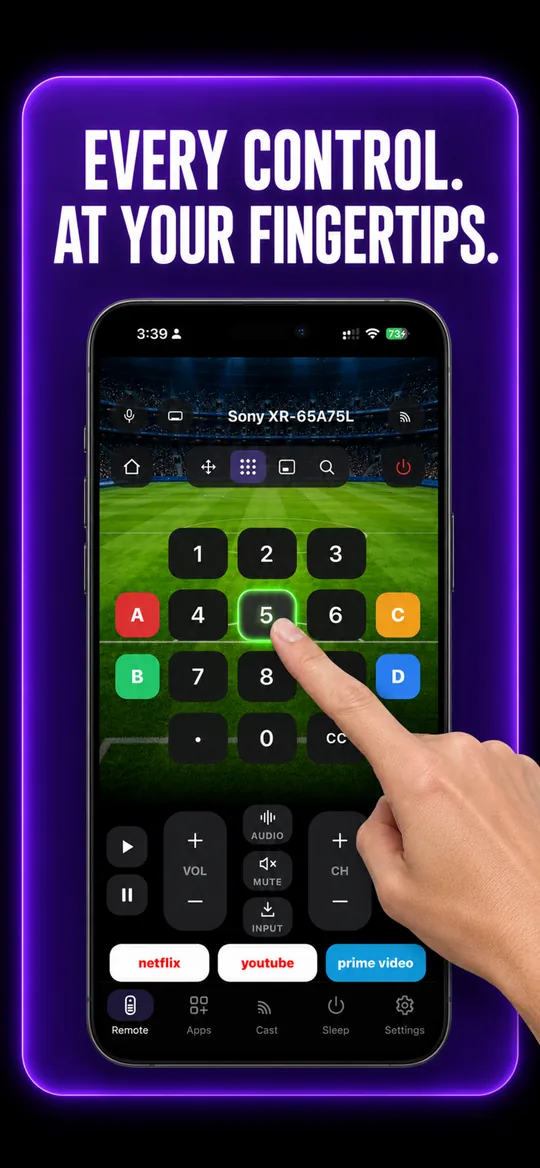
Number pad 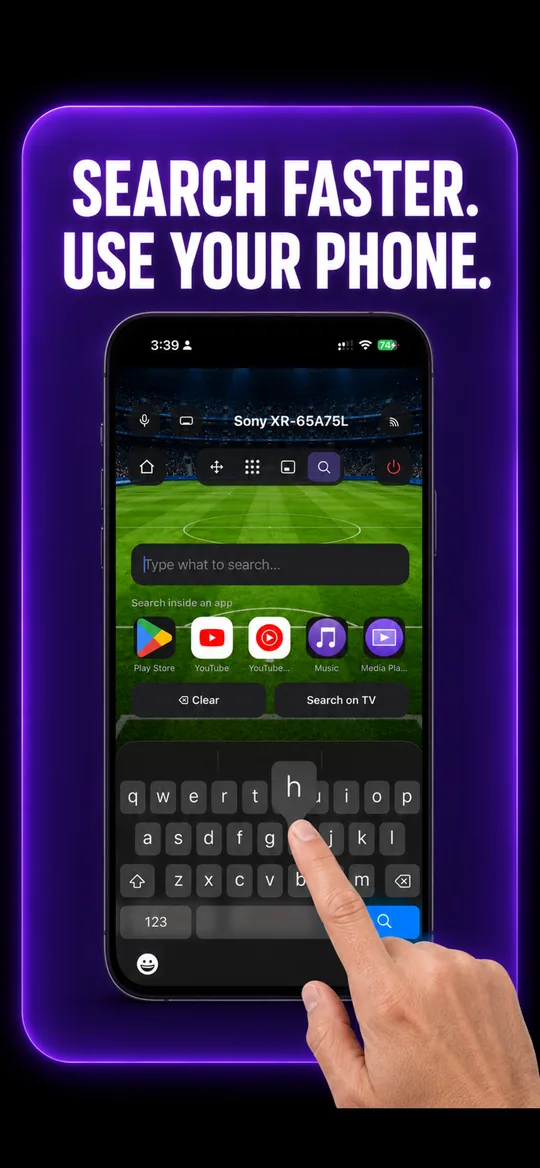
Type instead of pecking 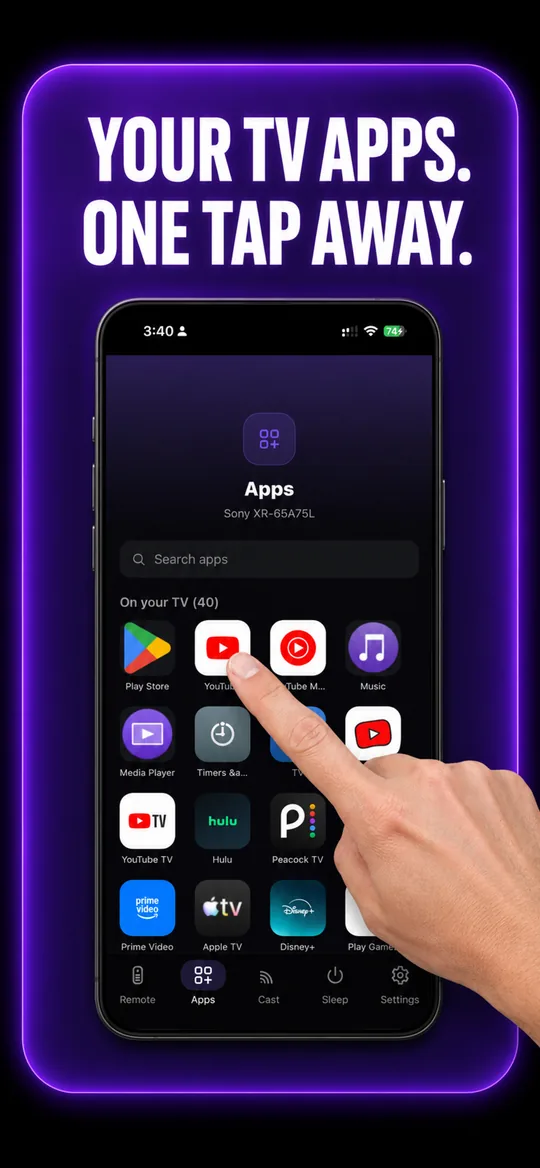
Your TV’s own apps 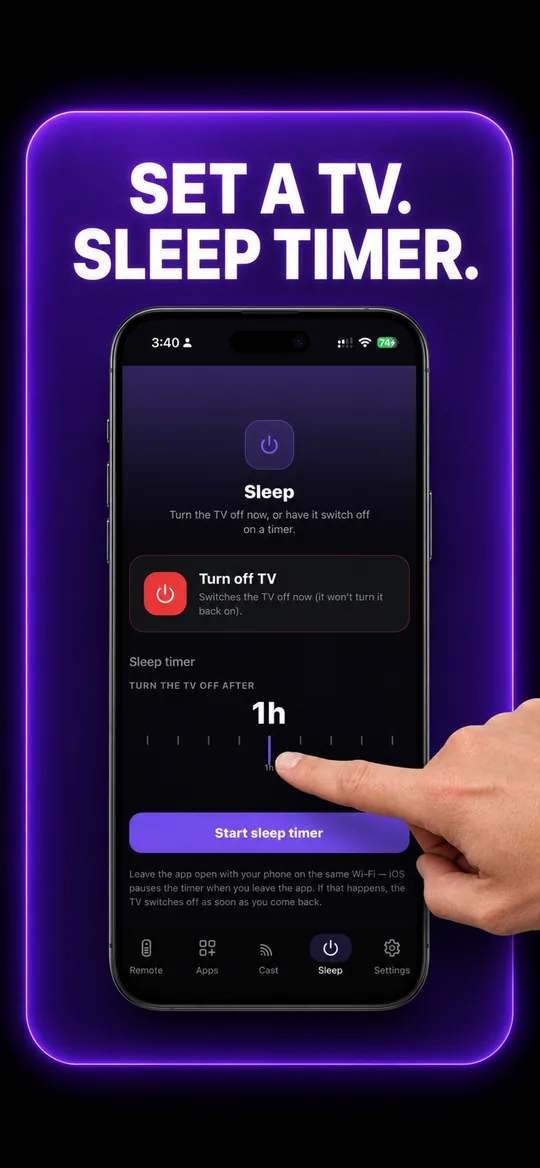
Sleep timer
Google TV & Android TV questions
- How do I connect my phone to my Google TV or Android TV?
- Put both on the same Wi-Fi, open EveryMote and tap the TV. A pairing code appears on screen; enter it in the app. The full remote then opens, including keyboard input for TV search boxes.
- My Philips, Vestel or Beko TV was not found before — is that fixed?
- Yes. Discovery for these sets was rebuilt and shipped in version 2026.2.0. If you are on an older build, update the app and rescan.
- Which TVs count as Android TV?
- Most sets sold under Philips, Vestel, Beko, Sharp, Nokia and many Sony and TCL models run Android TV or Google TV. If the TV’s home screen has a Google Play Store on it, this is the right page.
Other TVs EveryMote controls
Not listed? See everything EveryMote supports — or check the support pages.
Lost the Google TV & Android TV remote?
It takes about thirty seconds to set up.