Samsung Tizen smart TVs, 2016 and newer
Samsung TV remote app for iPhone & Android
EveryMote connects to your Samsung over its own secure WebSocket service on your Wi-Fi network, the same channel Samsung’s own remote app uses. Once you accept the prompt on the TV, the pairing token is stored so it reconnects on its own next time.
Free to use · Every remote feature included · No account
Setting it up
EveryMote is a universal TV remote control app for iPhone and Android, so the same app that controls your Samsung also controls every other smart TV in the house.
- 1
Put the phone and TV on the same Wi-Fi network — not a guest network.
- 2
Open EveryMote and let it scan. Your Samsung appears by name.
- 3
Tap it. The first time you connect, the TV shows a prompt asking whether to allow this phone. Accept it — it times out after about 30 seconds, so have the remote or the TV in view.
- 4
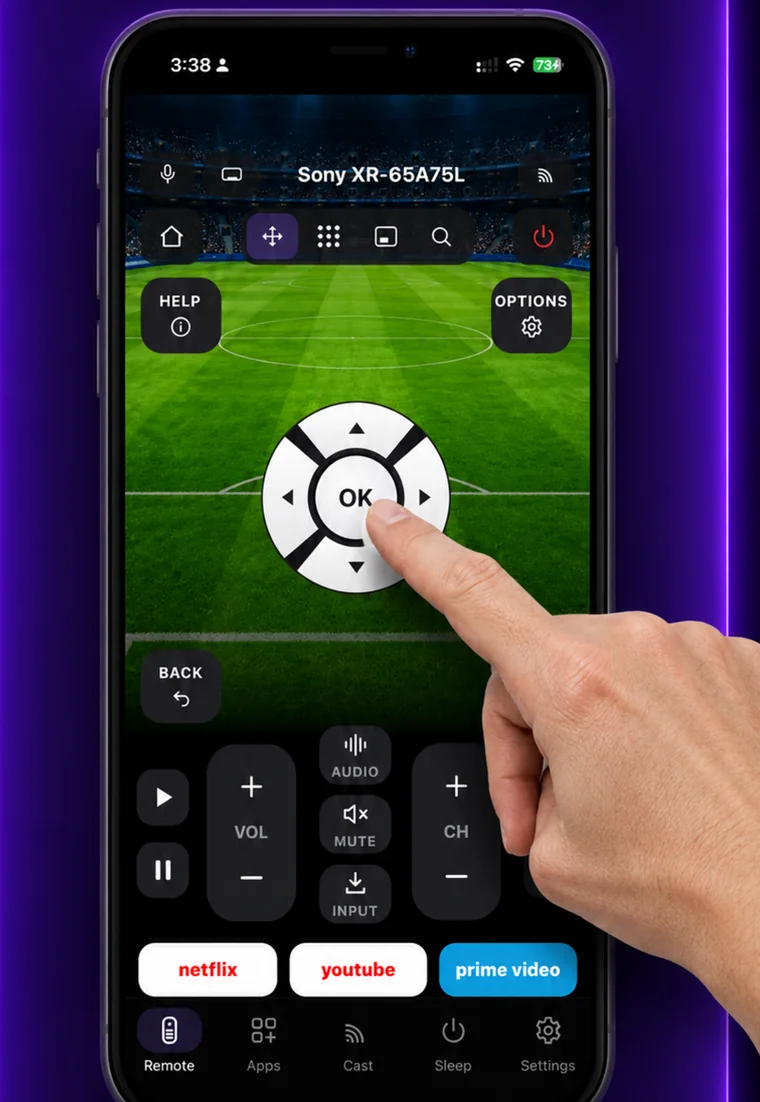
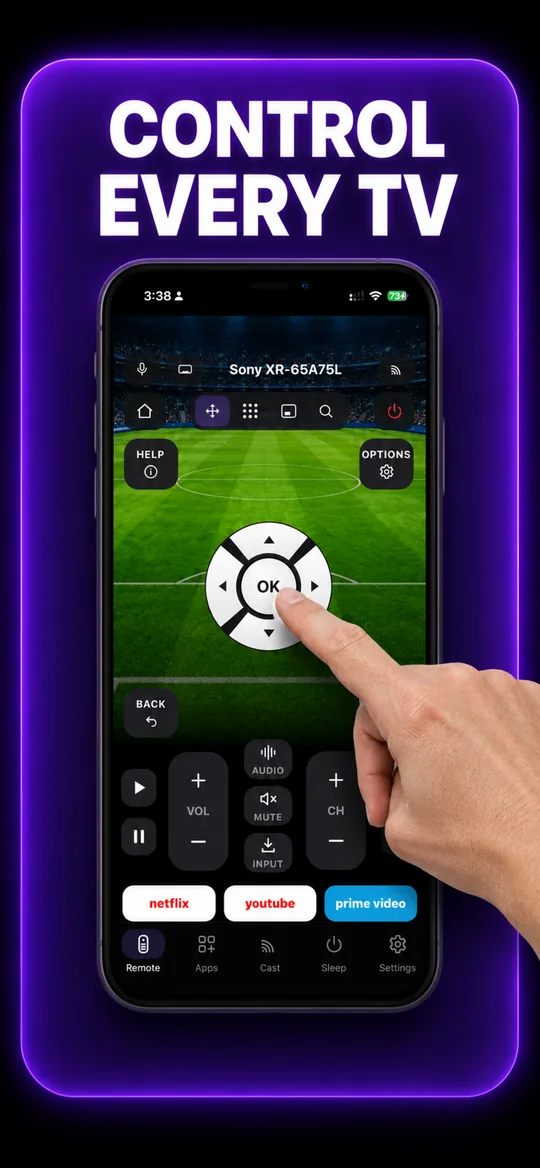
The full remote opens: D-pad, volume, channels, playback, number pad and keyboard.
What you get
The full remote 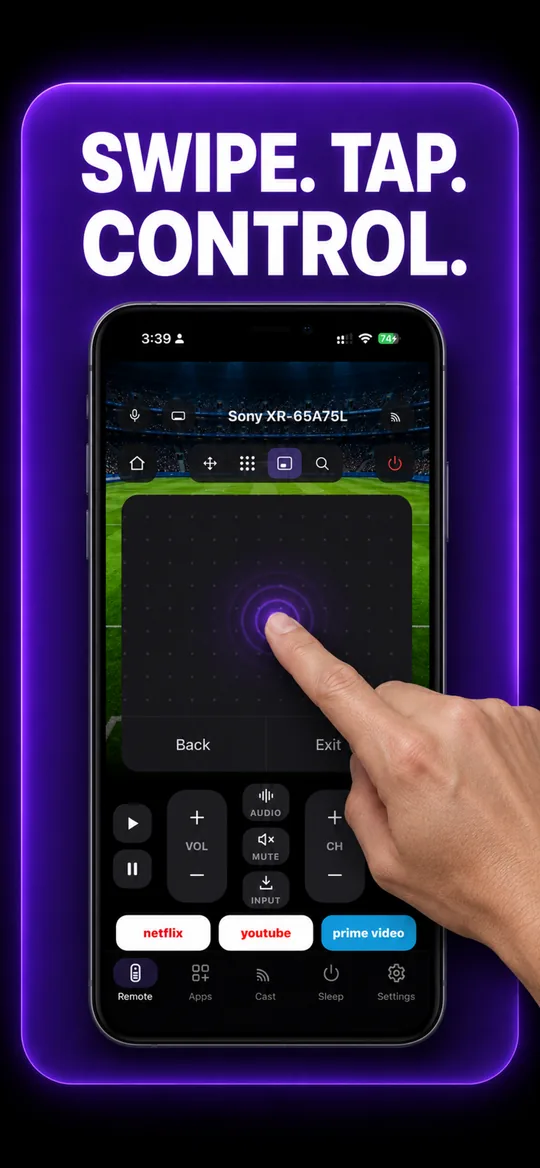
Swipe trackpad 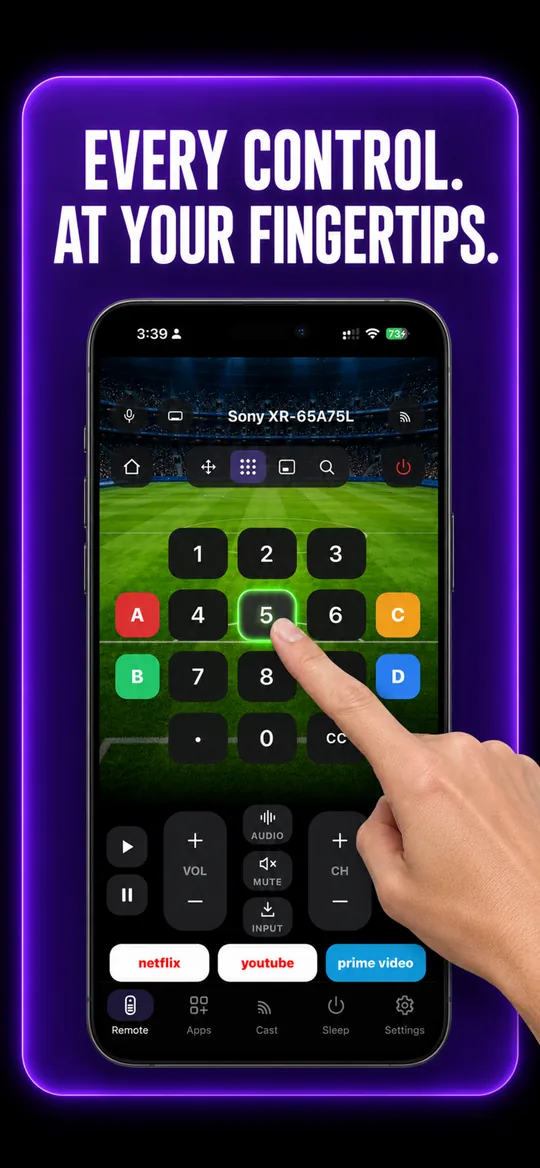
Number pad 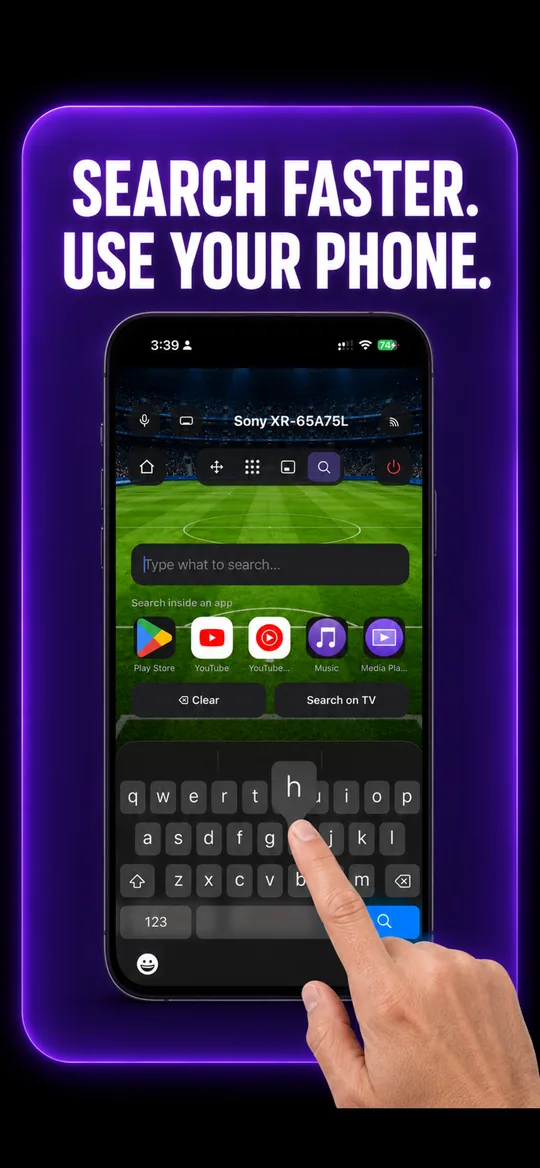
Type instead of pecking 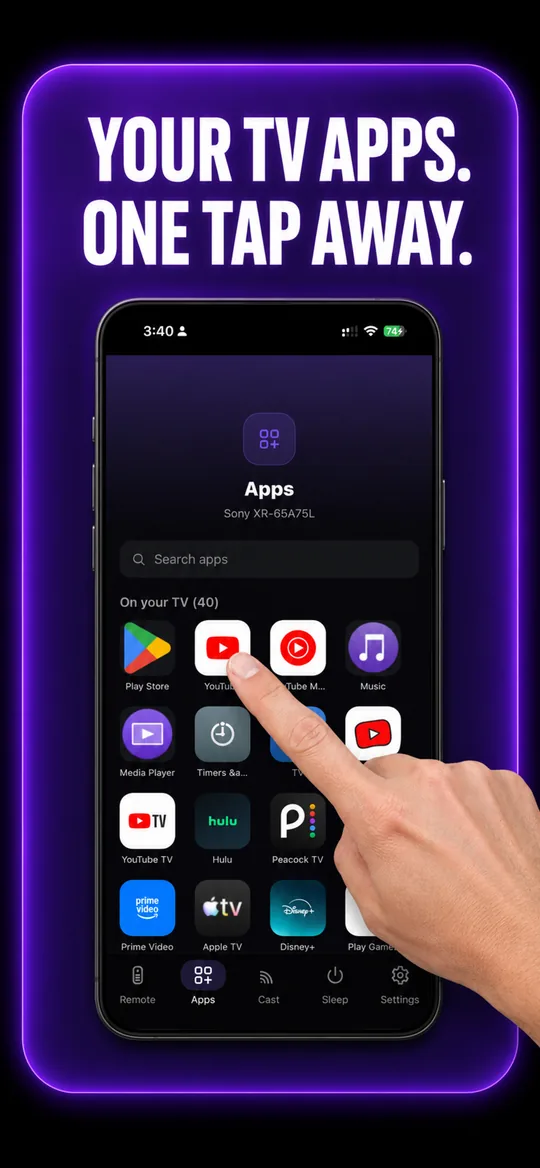
Your TV’s own apps 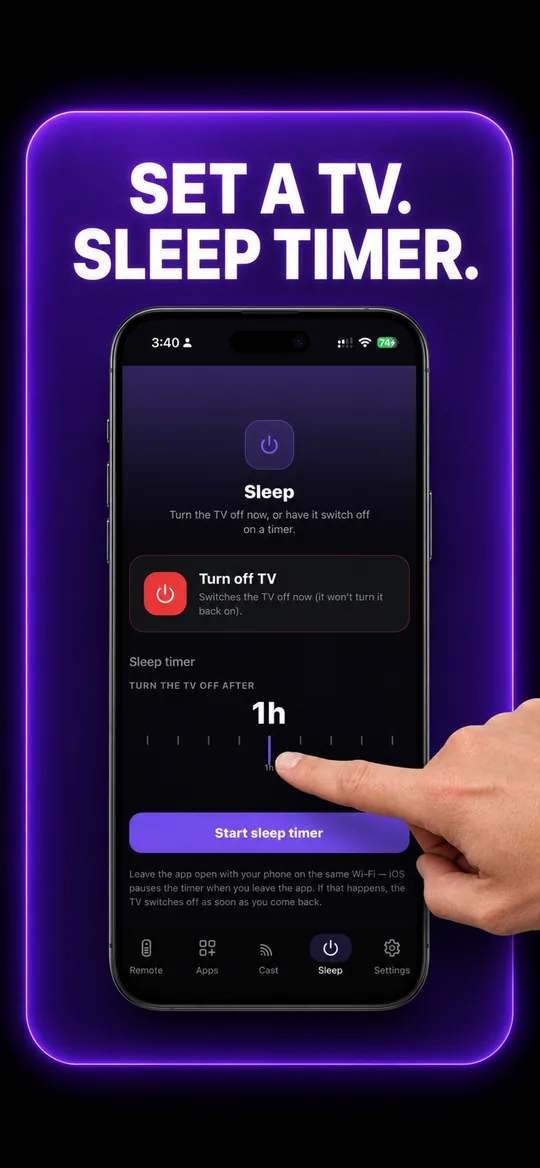
Sleep timer
Samsung questions
- How do I connect my phone to my Samsung TV?
- Put both on the same Wi-Fi, open EveryMote and let it scan — the Samsung appears by name. Tap it, then accept the Allow prompt that appears on the TV screen within about 30 seconds. That is the whole setup; the app stores the token and reconnects on its own afterwards.
- My Samsung never shows the “Allow” prompt.
- The TV may have remembered an earlier “Deny”. On the TV go to Settings → General → External Device Manager → Device Connection Manager → Device List, remove this phone, then connect again. The prompt appears on the TV screen, not the phone.
- Can I turn my Samsung TV on from my phone?
- Usually yes. A Samsung in standby can be woken with Wake-on-LAN, which EveryMote sends automatically when you press power on a disconnected TV. It needs the TV’s network standby setting left on — some models call it "Network Standby" or "Power On with Mobile".
- Does this work with older Samsung TVs?
- Tizen models from roughly 2016 onward work over Wi-Fi. Much older Samsungs that only accept infrared cannot be controlled by any phone app, because phones have no IR blaster.
Other TVs EveryMote controls
Not listed? See everything EveryMote supports — or check the support pages.
Lost the Samsung remote?
It takes about thirty seconds to set up.