Hisense VIDAA, Hisense Roku TV and Hisense Google TV models
Hisense TV remote app for iPhone & Android
Hisense ships three different platforms depending on the model and region. EveryMote detects which one your TV runs and connects accordingly — so you do not need to know whether you own a VIDAA, Roku or Google TV set.
Free to use · Every remote feature included · No account
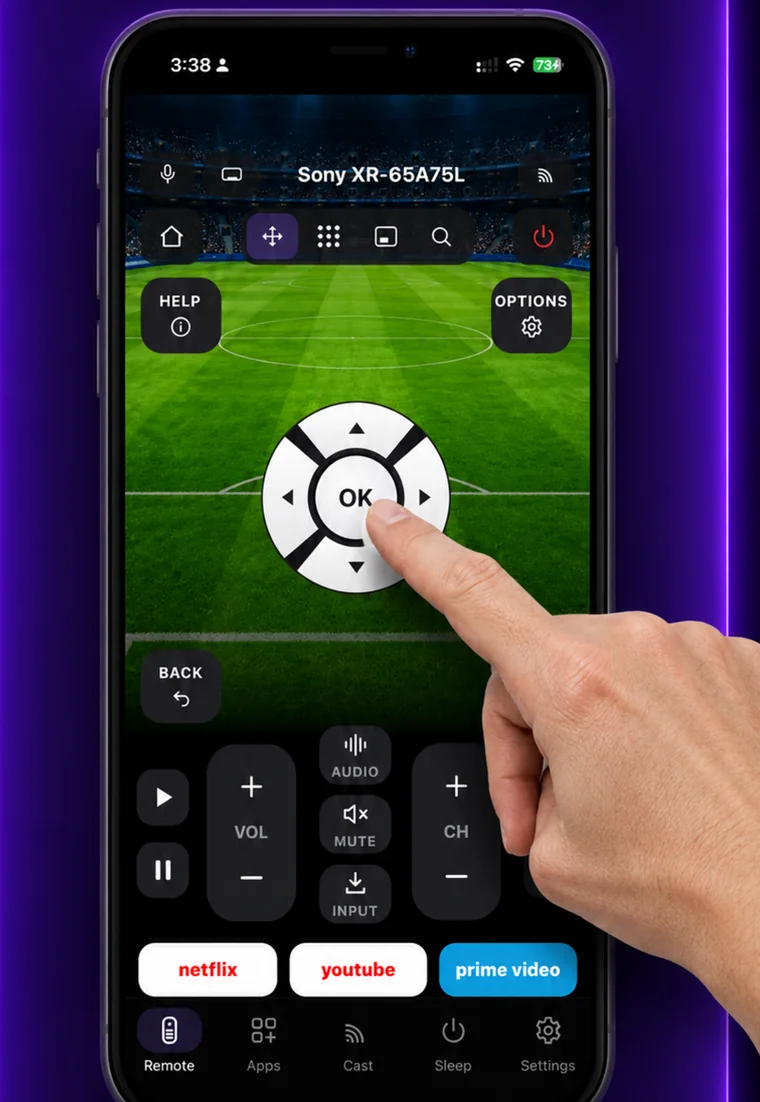
Setting it up
EveryMote is a universal TV remote control app for iPhone and Android, so the same app that controls your Hisense also controls every other smart TV in the house.
- 1
Put the phone and TV on the same Wi-Fi network.
- 2
Open EveryMote and let it scan — it identifies the platform for you.
- 3
Follow the on-screen step for your model: a code on VIDAA and Google TV, nothing at all on Roku models.
Worth knowing
VIDAA support is still in beta. Roku and Google TV Hisense models are fully supported; if you have a VIDAA set and something does not respond, please send a report from the app so we can fix it against your model.
What you get
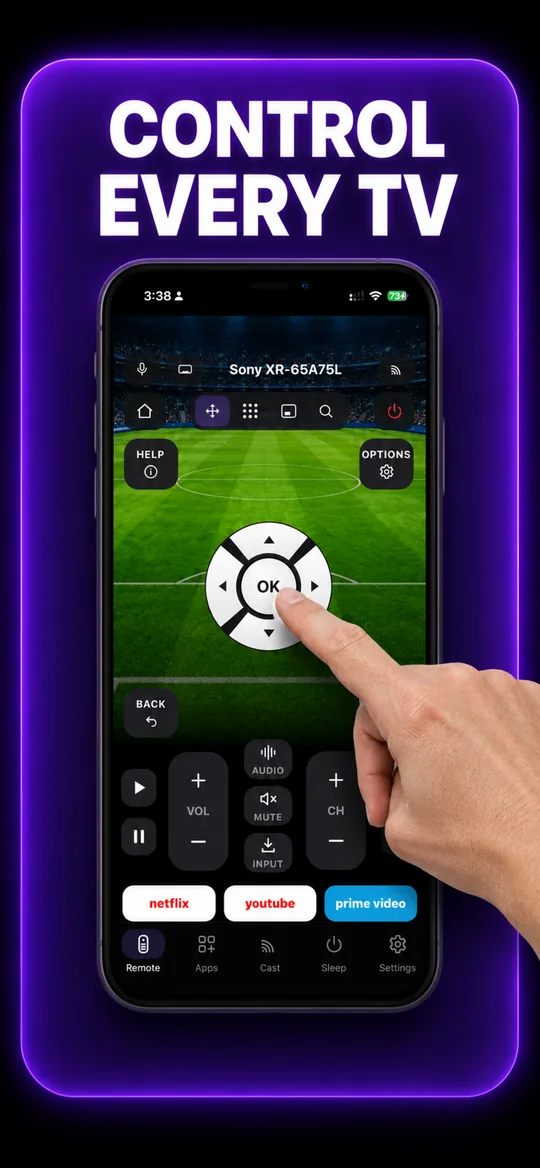
The full remote 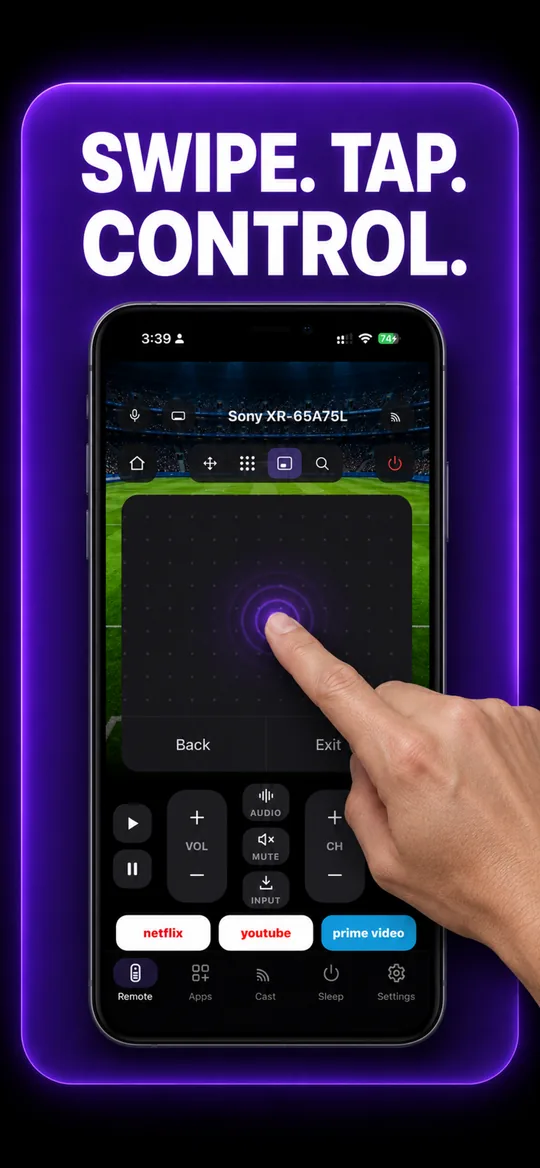
Swipe trackpad 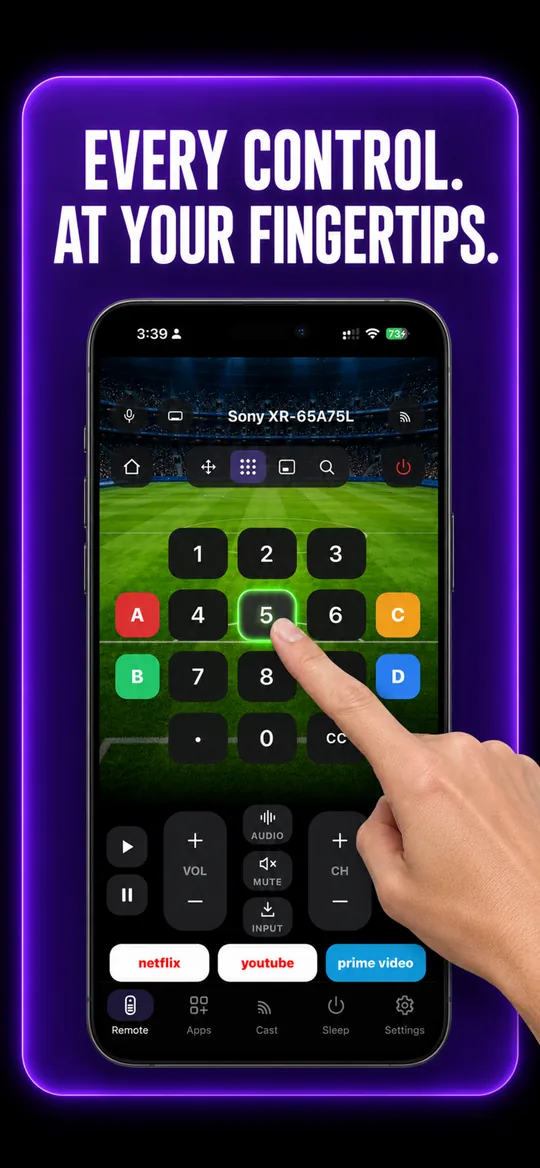
Number pad 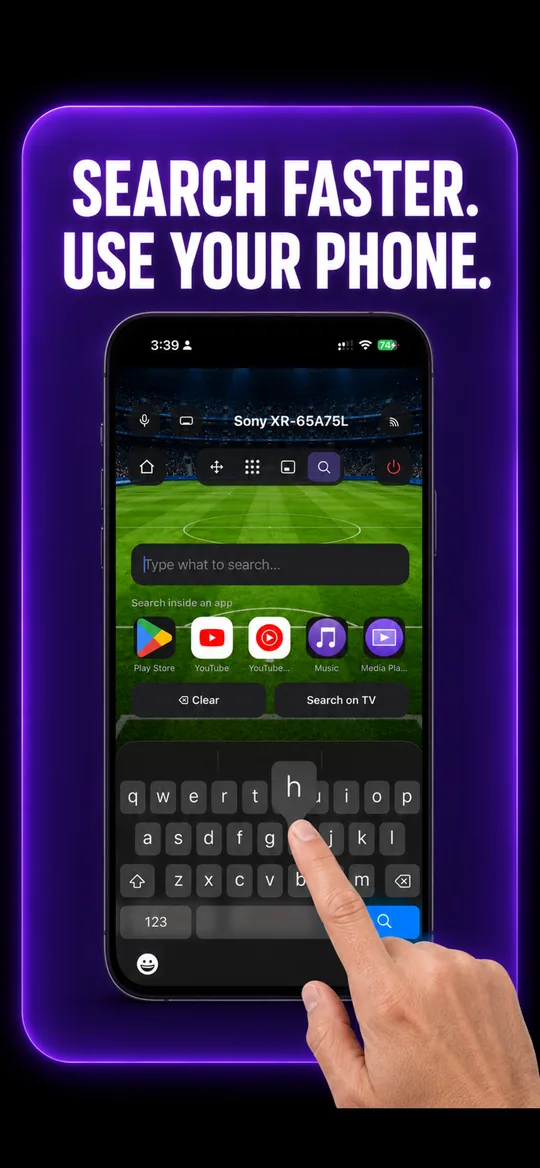
Type instead of pecking 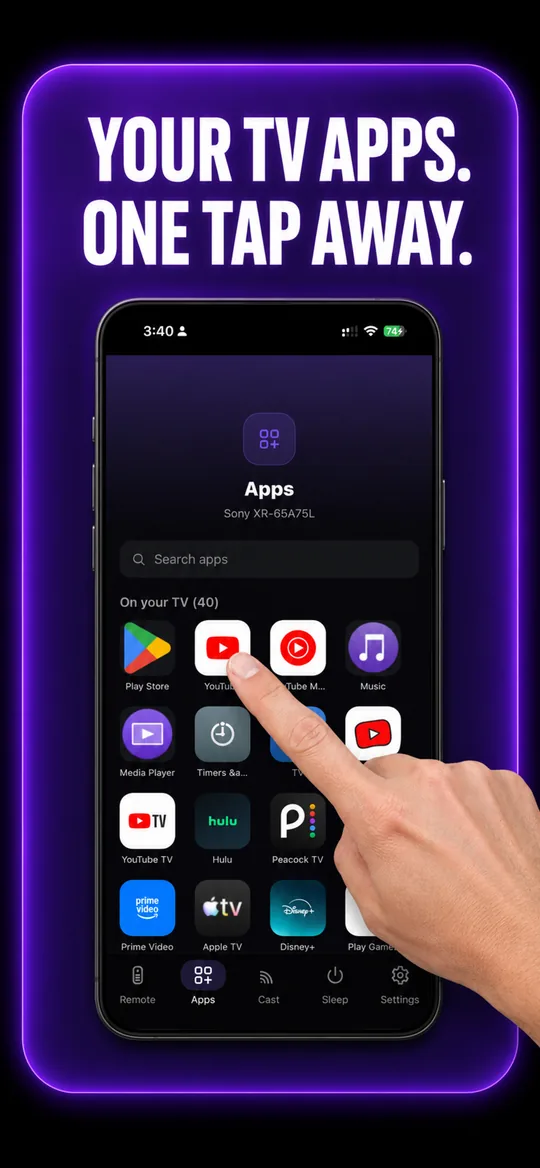
Your TV’s own apps 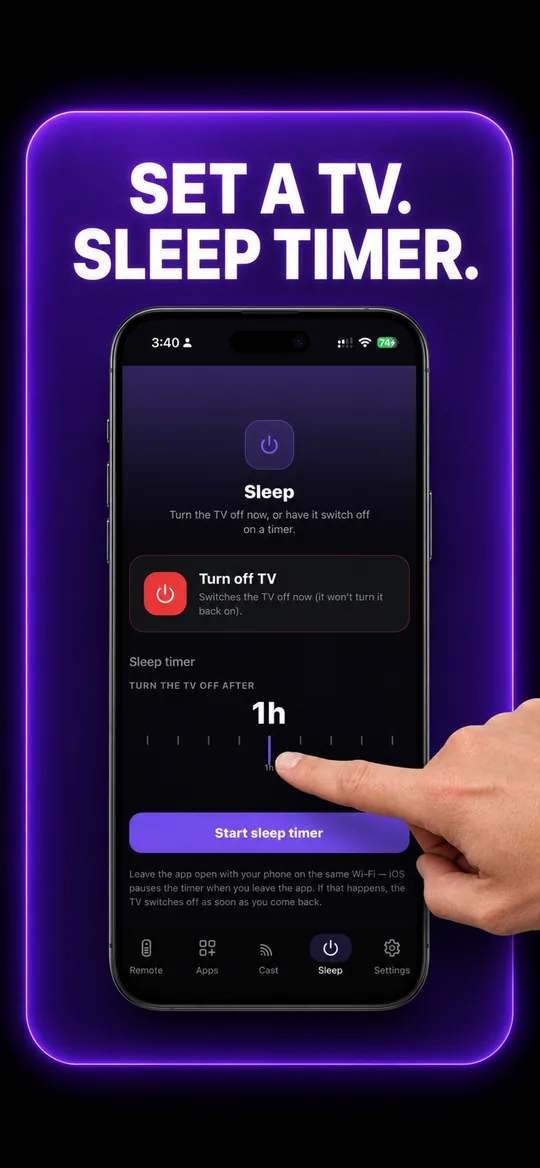
Sleep timer
Hisense questions
- How do I connect my phone to my Hisense TV?
- Put both on the same Wi-Fi and let EveryMote scan — it works out whether your Hisense is a VIDAA, Roku or Google TV model. Then follow the one step it shows: a code on VIDAA and Google TV, nothing at all on Roku models.
- How do I know which Hisense I have?
- If the home screen looks like a Roku, it is a Roku TV. If it has the Google Play Store, it is Google TV. Otherwise it is almost certainly VIDAA. The app works this out on its own — you do not need to check.
Other TVs EveryMote controls
Not listed? See everything EveryMote supports — or check the support pages.
Lost the Hisense remote?
It takes about thirty seconds to set up.